
W4 Post List builds the lists WordPress core still can’t: posts grouped under year, month, category or author headings; category and term indexes; user directories; and combined Terms + Posts and Users + Posts lists — placed anywhere with a block, a shortcode, or a widget.
Your first list in four steps
1. Create a list
Go to W4 Post List → Add New and give your list a title. Choose a List Type:
| List type | What it lists |
|---|---|
| Posts | Posts, pages, or any custom post type |
| Terms | Categories, tags, or any taxonomy’s terms |
| Users | Site users, filterable by role |
| Terms + Posts | Each term with its posts underneath |
| Users + Posts | Each user with their posts underneath |
Fresh installs include a draft “Example: Recent Posts” list — open it any time to see a working configuration.
2. Choose what to show
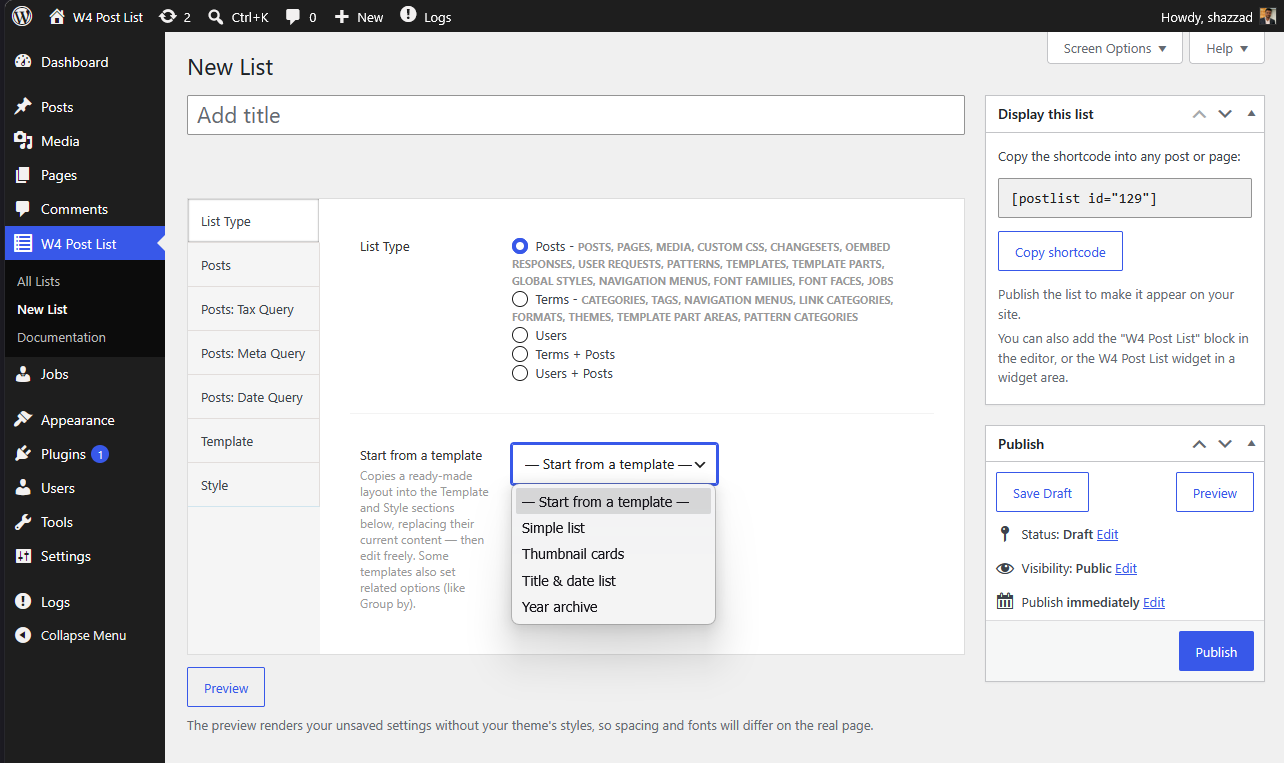
Open the section named after your list type (for example Posts) and pick the post type, how many items to show, and the order. The advanced sections (Tax Query, Meta Query, Date Query) are optional filters — skip them for your first list.
Shortcut: pick a layout from Start from a template. It fills the Template and Style sections with a ready-made design (cards, archive, directory…) and sets any options it needs — then everything stays fully editable.
3. Publish
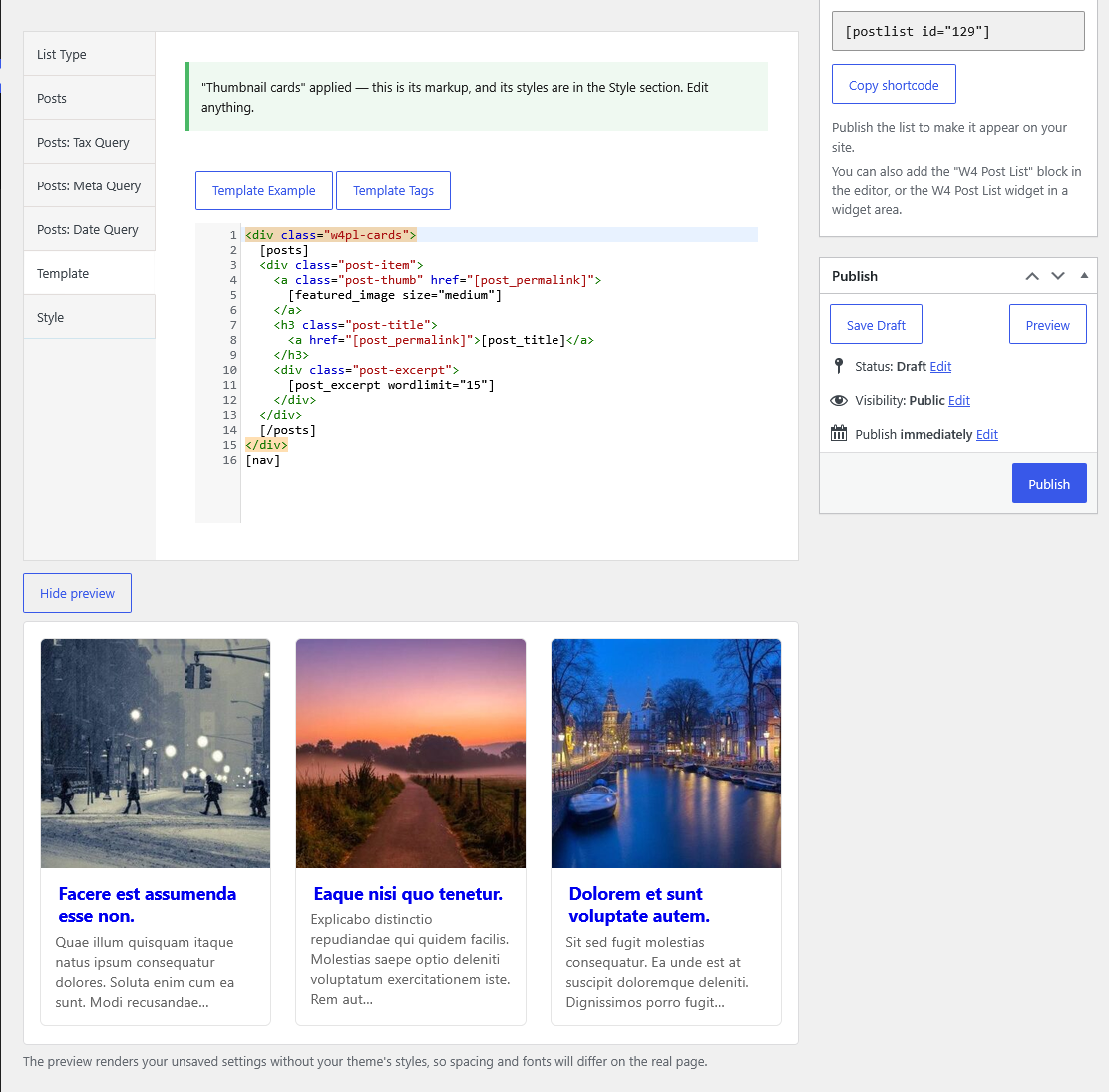
A default template is applied automatically, so you don’t need to touch the Template section to get output. Use the Preview button under the editor to see the rendered list before saving. Click Publish.
4. Place it on your site
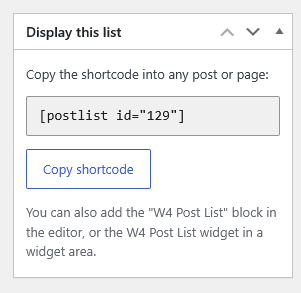
Three ways to display your list:
- Block — add the “W4 Post List” block in the editor and pick your list.
- Shortcode — paste
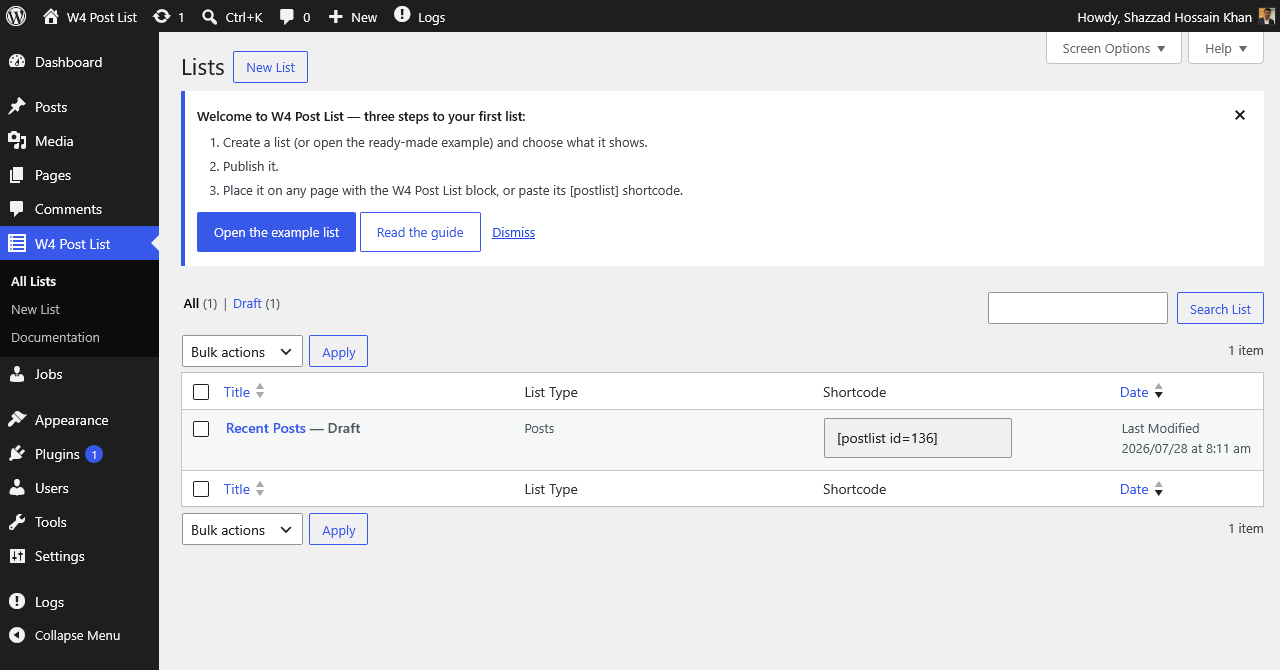
into any content. Every list’s ready-made shortcode is in the Shortcode column on the All Lists screen, and in the “Display this list” box while editing. - Widget — add the W4 Post List widget to any widget area.
In theme files: <?php echo do_shortcode( '' ); ?>
If your list shows nothing
- Make sure the list is Published, not Draft.
- Check the shortcode ID matches — copy it from the Shortcode column.
- If you edited the template, it must keep the loop tags for its list type:
[posts]…[/posts]for posts,[terms]…[/terms]for terms,[users]…[/users]for users. - Re-check the query options — the list may simply have matched no items.
Logged-in editors see an inline explanation when a shortcode points to a missing list; visitors see nothing.