
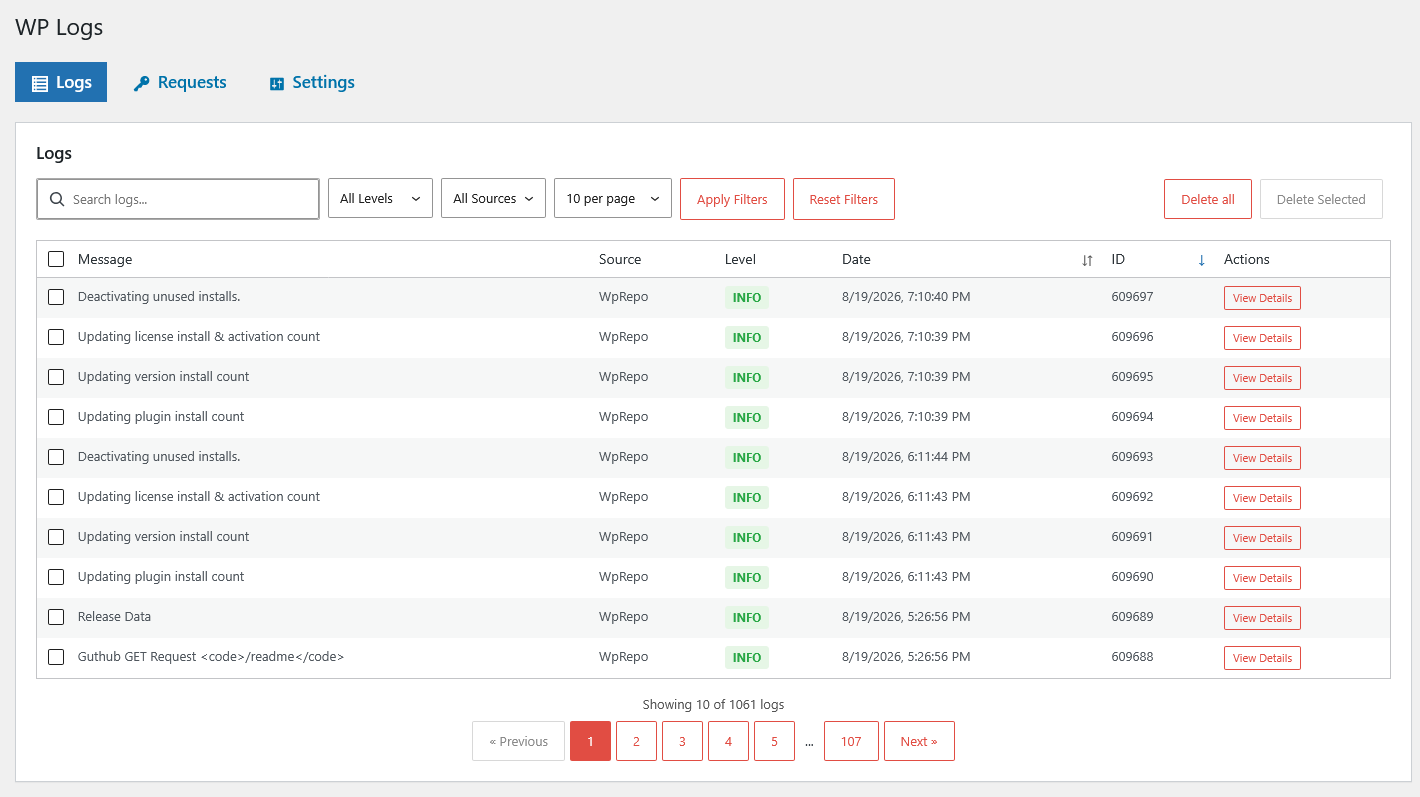
The integration works on your machine. On the client’s live site it doesn’t, and the only evidence is a plugin quietly showing “could not connect”. No error, no stack trace, nothing in debug.log — because the failure is on the other end of an HTTP request you cannot see.
WordPress makes a lot of these: update checks to wordpress.org, license checks, payment gateway calls, shipping lookups, every wp_remote_get() in every plugin you have installed. All of it goes through one class, and none of it is visible in wp-admin.
There is a core hook for exactly this, and almost nobody uses it.
http_api_debug
Every request WordPress makes through WP_Http — which is every request made properly, including wp_remote_get(), wp_remote_post() and the wp_safe_remote_* variants — fires this action:
do_action( 'http_api_debug', $response, 'response', $class, $parsed_args, $url );Between those five arguments you get the whole transaction: the URL, and the method, headers and body in $parsed_args, plus the response — status, headers, body — or a WP_Error if the request never completed.
A working logger is short:
add_action( 'http_api_debug', function ( $response, $context, $class, $parsed_args, $url ) {
    $record = [ 'url' => $url, 'method' => $parsed_args['method'] ];

    if ( is_wp_error( $response ) ) {
        $record['error'] = $response->get_error_message();
    } else {
        $record['code'] = $response['response']['code'];
    }

    error_log( wp_json_encode( $record ) );
}, 10, 5 );
Two details people get wrong. Ask for all five arguments — the default is one, and $parsed_args and $url are the two you need. And handle WP_Error first: core fires this hook on early failures too, including an invalid URL and a blocked request, so $response is not always an array and $response['response']['code'] will fatal on the site you were debugging.
Then you use it, and hit three problems
Volume. Core polls for updates on its own schedule and every licensed plugin checks in, so logging everything buries the one request you care about within minutes. Make it opt-in per URL, with a filter that defaults to off:
$enabled = apply_filters( 'swpl_log_request', false, $url );

if ( ! $enabled ) {
    return;
}
Secrets. Headers carry Authorization; bodies carry keys and tokens. Mask before storing, and recurse, because payloads nest:
$regex = '/\b(?:password|secret|token|authorization|x-api-key)\b/i';

if ( is_string( $value ) && preg_match( $regex, $key ) ) {
    $data[ $key ] = substr( $value, 0, 3 )
        . str_repeat( '*', max( 0, strlen( $value ) - 3 ) ) . ' (masked)';
}
That max( 0, … ) is not decoration. Without it a two-character token throws a ValueError on PHP 8 and takes down the request you were trying to observe.
Two limits to understand, because no masking scheme catches everything. This matches on the key name, so a credential under an unanticipated name goes through in the clear. And it does not touch the URL — an endpoint that authenticates by query string (?api_key=…) is stored as-is. If that is your API, the log itself is a secret.
Growth. A debug log with no expiry is a slow leak, so retention has to be automatic and on by default — the person who most needs this is the one who will forget they turned it on. Run it on cron and keep a window in days. Do not offer “keep forever” as an option.
The version that is already built
WP Logs is free and does the tedious parts: the opt-in URL list is a settings field instead of a filter you write, requests go to their own table with the hostname split out and JSON decoded on both sides, masking runs on headers and bodies, and both logs and requests get their own 7-day retention window. There is a REST route at swpl/v1/requests with search and ordering, and helpers that return the hostnames and methods actually present so filter drop-downs populate themselves.
One limit worth knowing before you rely on it: request URLs are stored truncated to 255 characters.
If it is update behavior you are chasing, the wordpress.org calls are the interesting ones — how WordPress plugin auto-updates work covers what they do and when they fire.