
Your site got slow, or it threw a few errors and came back. The first question is always the same: is the server too small, and do you need a bigger plan?
You can check in two minutes. SSH into the server and run these four commands. They work on any Ubuntu or Debian server and change nothing.
1. How much memory is left
free -hRead the available column, not free. Linux fills spare memory with cache and hands it back when a program needs it, so “free” always looks scary. “Available” is what your site can really use.
2. Which programs are using it
ps -eo rss,comm --sort=-rss | awk 'NR>1{m[$2]+=$1} END{for(k in m) printf "%6d MB %s\n", m[k]/1024, k}' | sort -rn | headThis adds up memory per program, so the ten PHP workers count as one line. On a WordPress server the top lines are usually php-fpm8.3 (the version varies) and mysqld or mariadbd. The totals are rough, because workers share some memory, but they show who is taking the room.
3. Has the server already run out
sudo journalctl -k -g 'Out of memory' --no-pagerAny line here means the server ran out of memory and Linux force-closed a program to survive. It is very often your database, which is why the site showed “Error establishing a database connection” and then recovered. “No entries” is the answer you want.
4. How much disk is left
df -h /Look at Avail. Logs, backups and uploads grow quietly, and a full disk stops the database from writing.
Reading the numbers
- Judge the amount, not the percentage. 10 % free on a 16 GB server is 1.6 GB, which is fine. 10 % free on a 1 GB server is 100 MB, which is not.
- An out-of-memory line is the clearest sign. Either the server needs more memory, or something grew. Step 2 tells you which program to ask about.
- One busy moment is not a verdict. A nightly backup can fill memory for ten minutes and mean nothing. Tight for hours, every day, means it is time for a bigger plan.
The catch: this is a snapshot
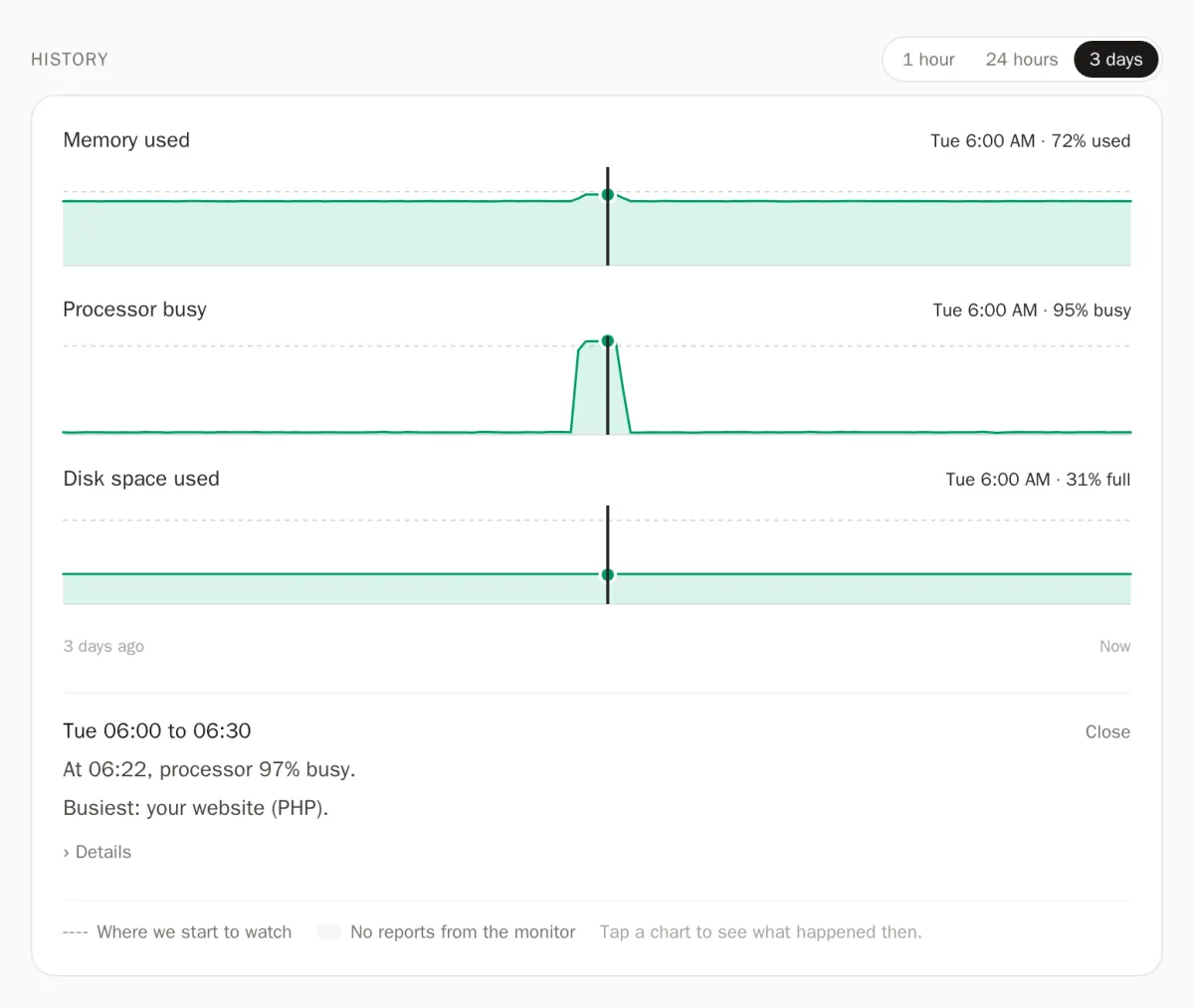
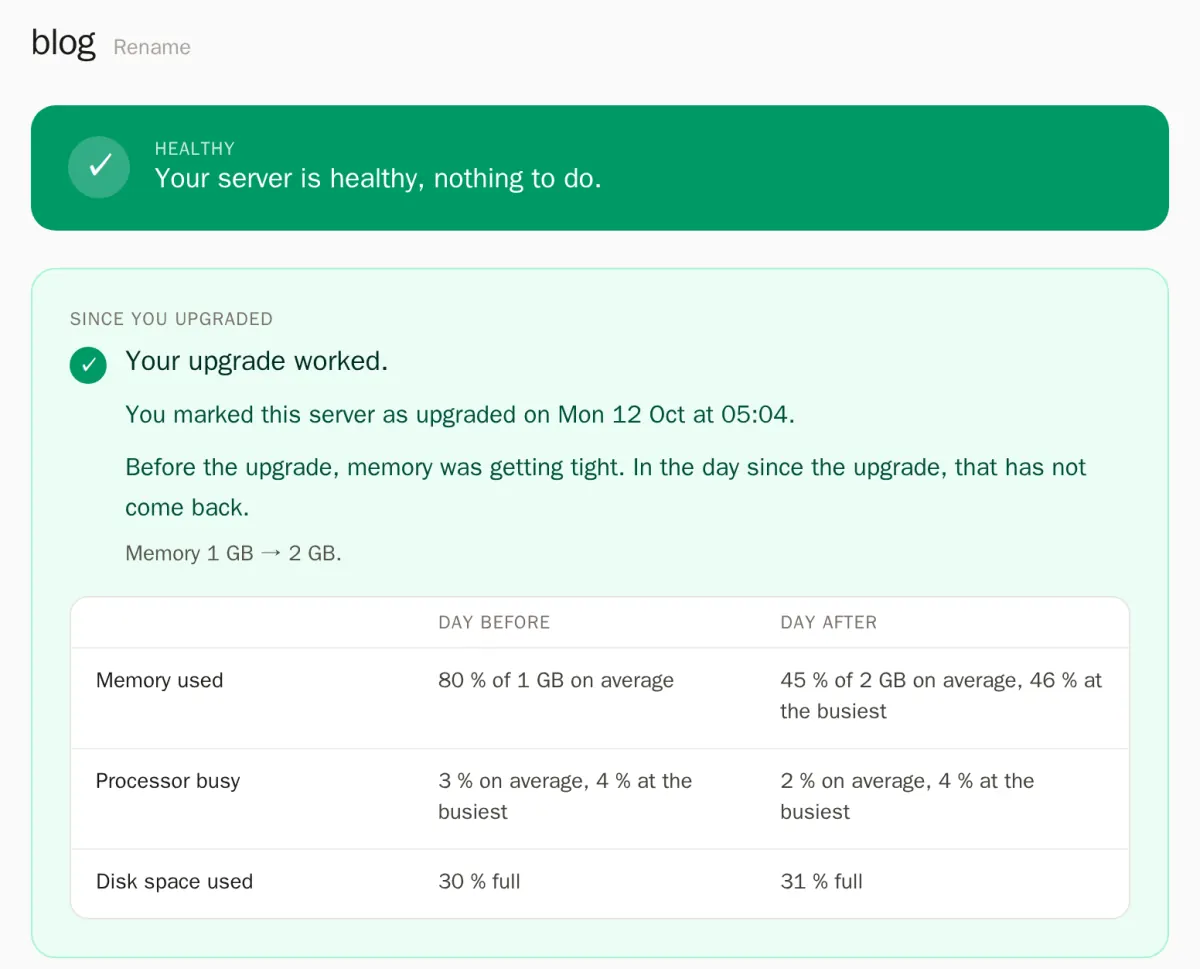
These commands tell you about right now. The questions that matter need history: was it tight all afternoon or just during the backup? Did the upgrade you paid for actually help? Nobody runs free -h every minute.
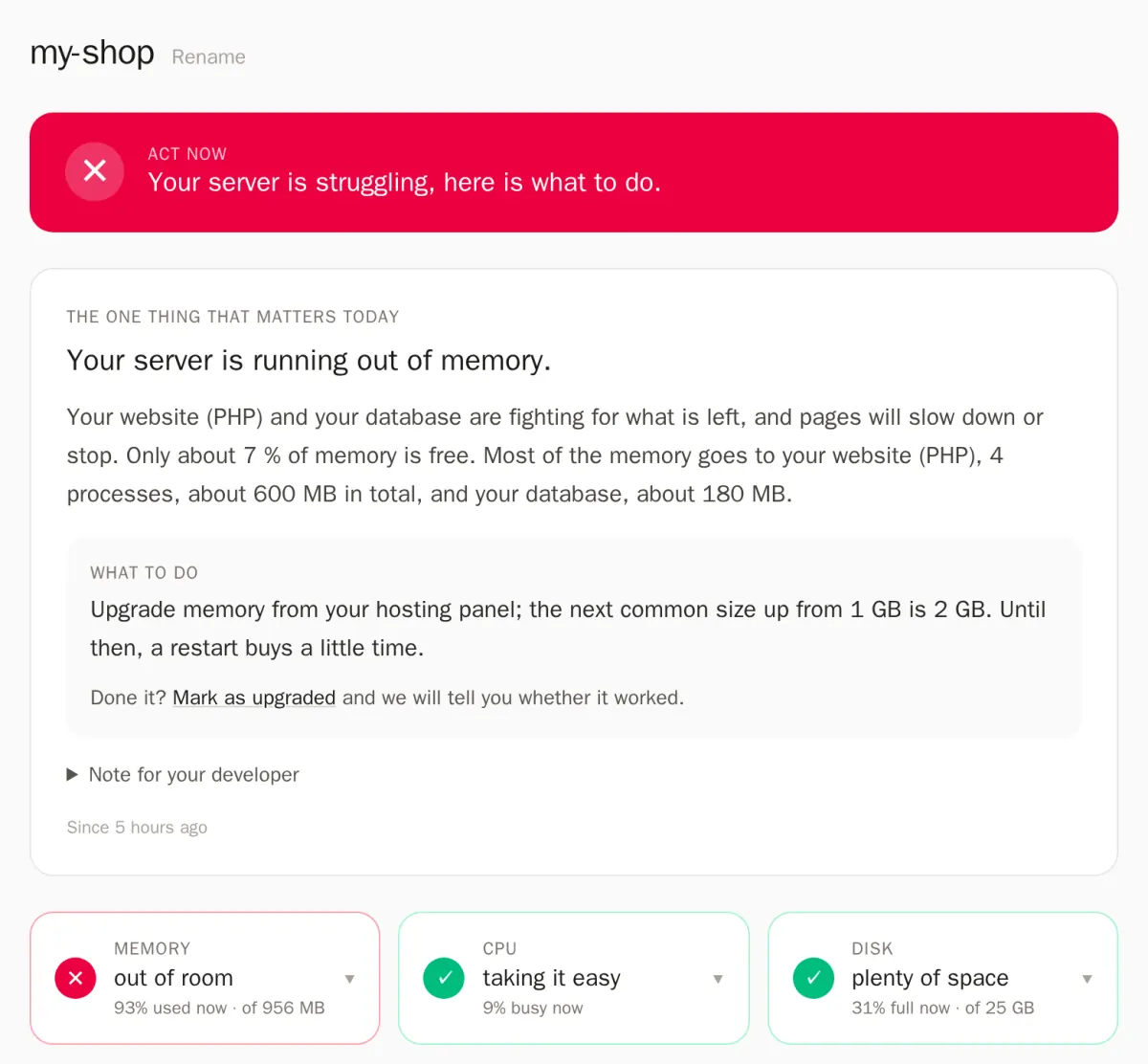
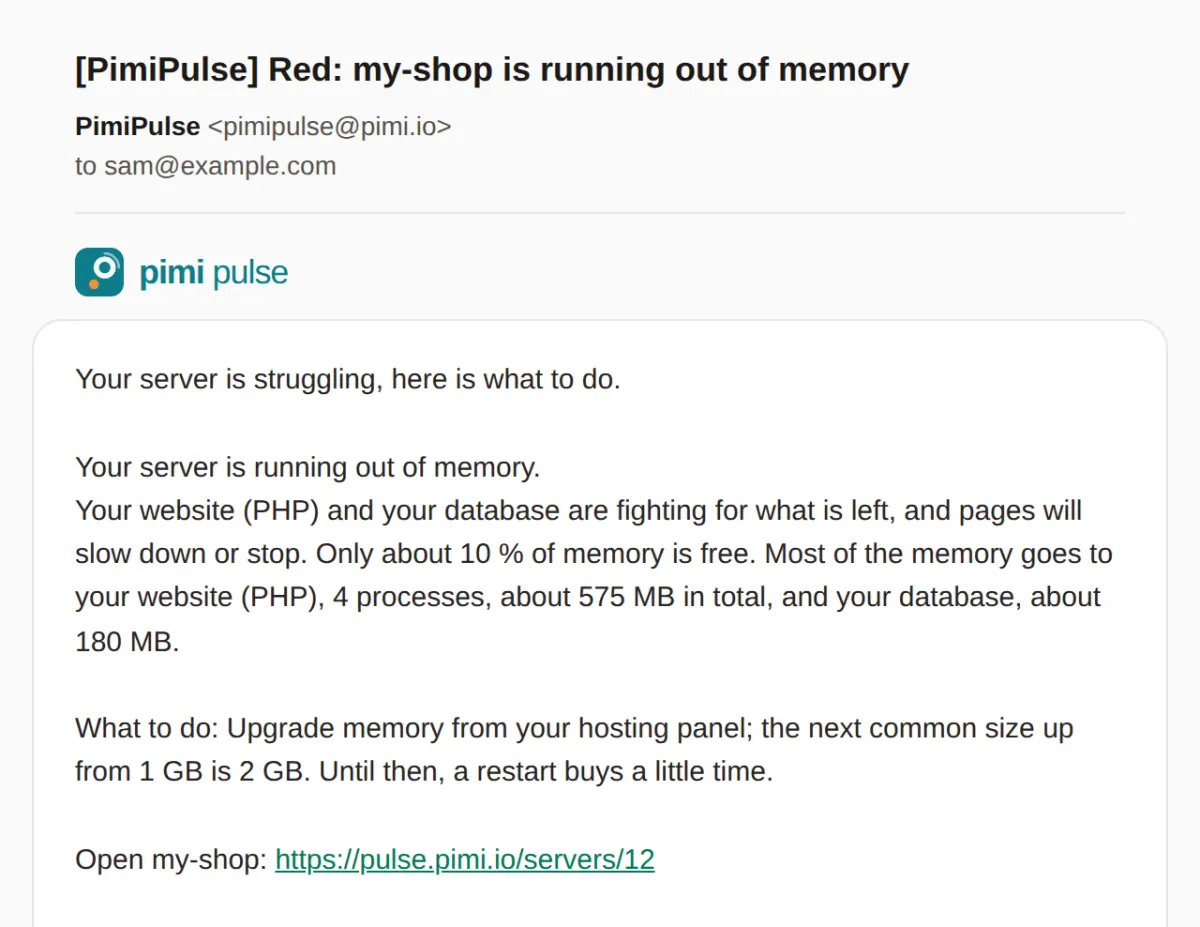
So we built PimiPulse. A small monitor on your server reads these same numbers every minute, and you get one plain sentence: what is wrong, and what to do.
- It only reads. System numbers and program names, never your site’s files or what is in your database.
- We hold no login. The server reports to us; we have no password or key for it.
- One command installs it, and one removes it.
It needs Ubuntu 22.04 or newer, or Debian 12 or newer, with systemd. So far it has run on real servers with Ubuntu 24.04 only. It suits a WordPress or Laravel site on nginx, PHP and MySQL or MariaDB.
Early access is open, free and needs no card. Request access or see how PimiPulse works.