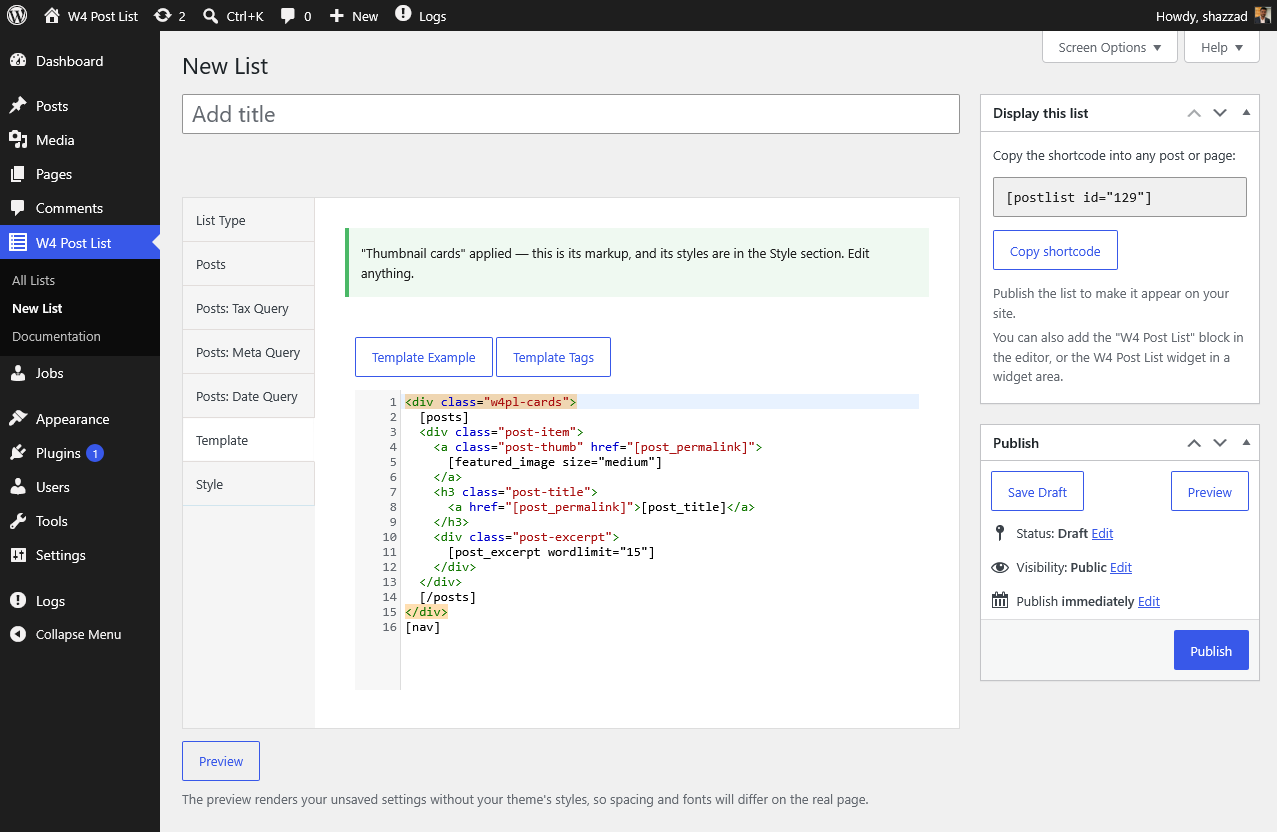
Every list’s HTML comes from its template: plain HTML mixed with template tags in square brackets. Two rules explain everything:
- Everything between an opening and closing loop tag repeats once per item. Wrapper elements (
<ul>, grids) go outside the loop tags; per-item markup goes inside. - Template tags are replaced with dynamic values —
[post_title]becomes the post’s title,[post_permalink]its URL.
[posts]
    <div class="post-item">
        <div class="post-title">
            <a href="[post_permalink]">[post_title]</a>
        </div>
    </div>
[/posts]
[nav]
This renders one div.post-item per post, then pagination.
Vocabulary note: template tags are the plugin’s own syntax, parsed by the plugin — they are not WordPress shortcodes. The only WordPress shortcode here is
itself, which places a list.
Loop tags
| Tag | Repeats per | Available in |
|---|---|---|
[posts]…[/posts] |
post | Posts, Terms + Posts, Users + Posts |
[terms]…[/terms] |
term | Terms, Terms + Posts |
[users]…[/users] |
user | Users, Users + Posts |
[groups]…[/groups] |
group (when Group by is set) | Posts |
[nav] |
— pagination links | Posts lists with pagination |
Frequently used tags
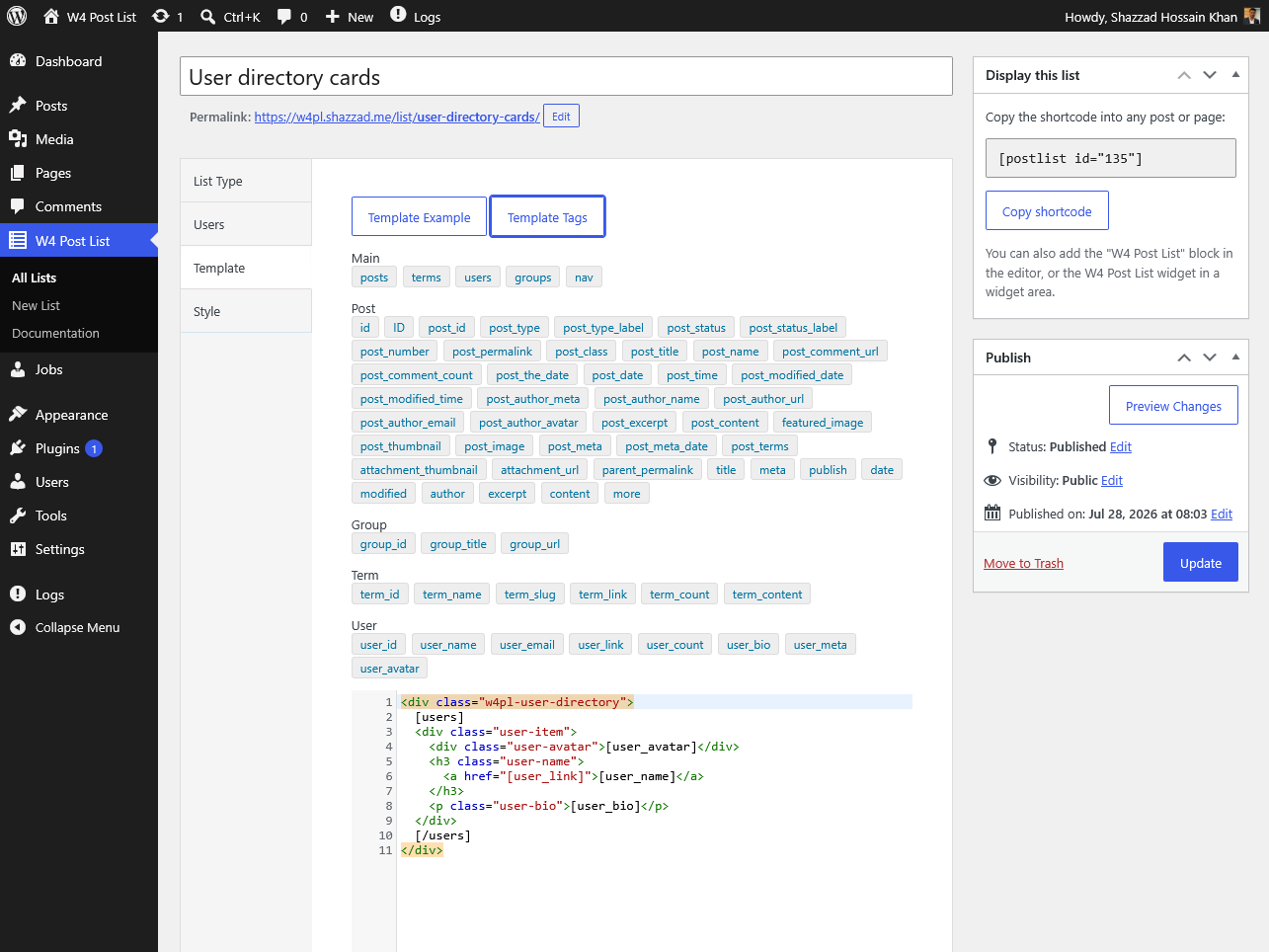
Posts: [post_title], [post_permalink], [post_excerpt wordlimit="20"], [post_date format="M j, Y"], [featured_image size="medium"], [post_author_name], [post_terms], [post_meta key="your_field"]
Terms: [term_name], [term_link], [term_count], [term_content]
Users: [user_name], [user_link], [user_avatar], [user_bio], [user_email]
Groups: [group_title], [group_url]
The full reference with every tag and its attributes is inside the plugin: W4 Post List → Documentation → Template Tags, and the Template Tags button beside the editor inserts any tag at your cursor.
Grouped lists
Set Group by (Year, Month, any taxonomy, Author, Parent) and wrap your posts loop in a groups loop:
[groups]
    <div class="group-item">
        <div class="group-title">[group_title]</div>
        [posts]
            <div class="post-item">[post_title]</div>
        [/posts]
    </div>
[/groups]
[nav]
Per-list CSS
The Style → CSS field is printed with the list. Scope every rule with the list’s own wrapper so it can’t affect the rest of the page — [listid] is replaced with the list’s ID at render:
#w4pl-list-[listid] .post-item {
    margin-bottom: 1em;
}
Custom fields (including ACF)
Inside the posts loop, [post_meta key="your_field_key"] outputs a custom field’s value. Fields stored as plain values (text, numbers, URLs) work best.
The editor has your back
Typos and mismatches don’t fail silently:
- An unregistered tag like
[post_titel]produces a save-time warning with a “did you mean [post_title]?” suggestion. - Numeric fields accept only numbers —
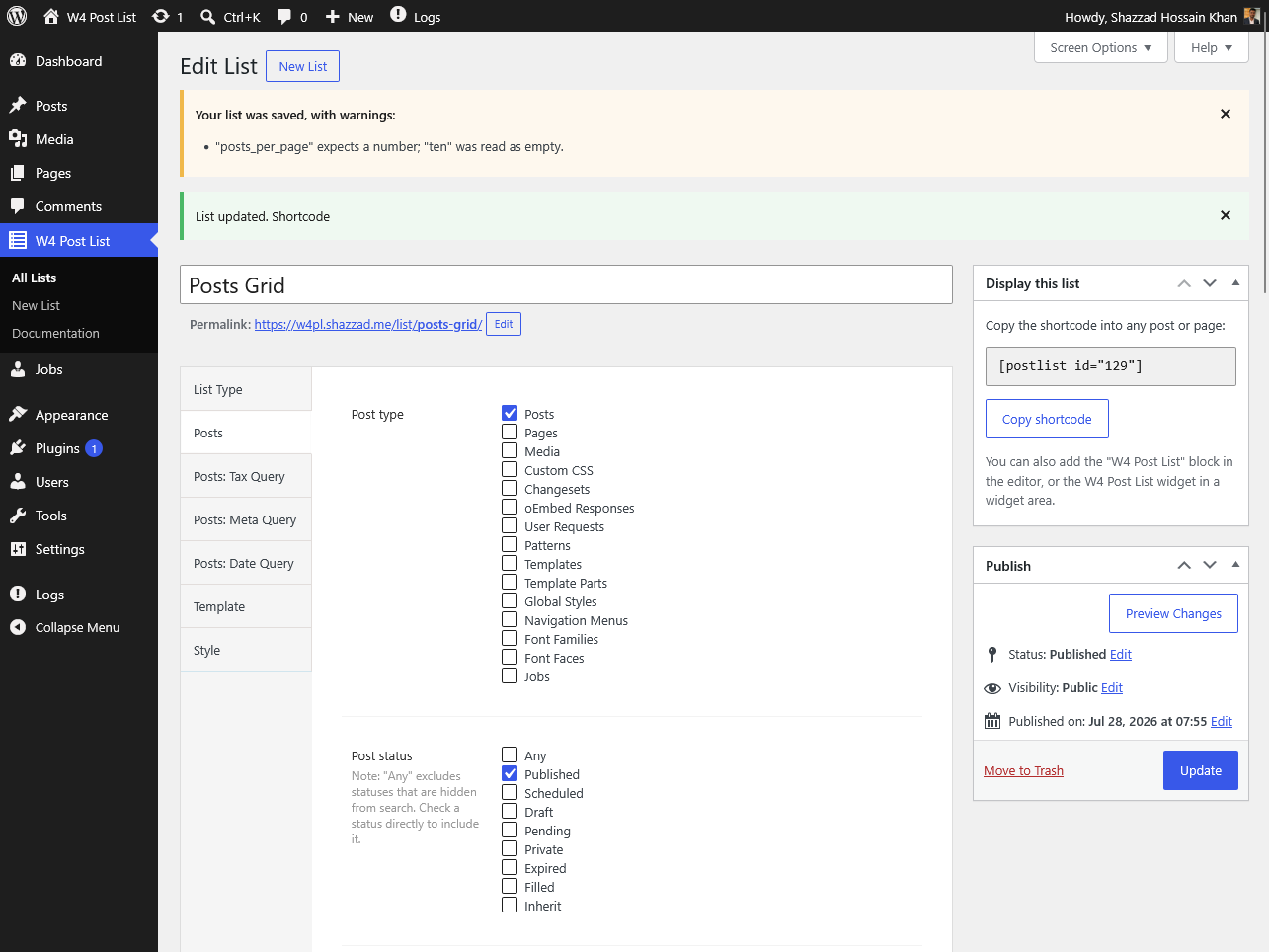
"ten"is coerced with a clear explanation, and your save always goes through. - If your template is missing the loop tag its list type needs, the editor warns inline and offers a one-click “Replace with the default template” fix.