
All of the lists shown below are created with the W4 Post List plugin. The templates are created with shortcodes, HTML and CSS.
Example 1: Posts List
List of posts, showing post title, post date and post categories. Pagination is handled with an ajax call.
PreviewTemplateCSS
- WordPress Secrets API: Store API Keys Encrypted with wp_set_secret() Published: October 16, 2026
- Does your WordPress server need an upgrade? 4 commands to check Published: October 15, 2026
- How to Log Emails in WordPress Without a Plugin (wp_mail example) Published: October 8, 2026
- Show related posts by tag with W4 Post List Published: September 3, 2026
- Log WordPress outgoing HTTP requests Published: August 21, 2026
- W4 Post List 3.0: AJAX pagination now works on block themes Published: August 6, 2026
- W4 Post List 2.11: Pick a layout, watch it live, never guess again Published: July 28, 2026
- From wp_ajax to Abilities API – Make Your WordPress Functions Discoverable Published: July 25, 2026
- How WordPress Plugin Auto Update Works Published: August 10, 2022
- Extend WooCommerce Registration form fields Published: May 20, 2014
- Categories, Tags, Terms Custom Order Published: February 19, 2014
- WordPress Plugin page without showing in admin menu Published: January 10, 2014
- WordPress Multiple Post Type Loop & Pagination by Shortcode Published: January 10, 2014
- WordPress Page Add Custom Endpoint Published: January 8, 2014
- Using Stylesheet, JavaScript Scripts for WordPress Widget Published: January 5, 2014
- Extending WordPress Registration Fields Published: January 2, 2014
- Displaying WordPress Future Posts Published: December 27, 2013
- add_action – WordPress function to hook on events Published: December 23, 2013
- Create WordPress Plugin Published: December 22, 2013
- WooCommerce Custom Pricing Method for Products Published: November 24, 2013
<div class="row">
  [posts]
  <article class="[post_class] col-md-6">
  <div class="featured_box">
    <div class="post_meta">[post_date], in [post_terms tax="category"]</div>
    <header><h2><a href="[post_permalink]">[post_title]</a></h2></header>
  </div>
  </article>
  [/posts]
</div>
[nav ajax=1]
<div class="w4pl-overlay"></div>
#w4pl-list-[listid] ul{ padding-left: 0;}
#w4pl-list-[listid] li{ list-style: none outside; display: block;}
#w4pl-inner-[listid]{ position: relative; padding: 20px 70px; background-color:#EEE; border:1px solid #DDD;}
#w4pl-inner-[listid] .page-numbers{background:url(/wp-content/themes/yourtheme/images/arrows.png) no-repeat; position: absolute; top: 50%; margin-top:-43px; height:86px; width:60px; display:block; text-indent:-9999px; overflow:hidden;}
#w4pl-inner-[listid] .prev.page-numbers{ left:0px; background-position:left top;}
#w4pl-inner-[listid] .next.page-numbers{ right:0px; background-position:right top;}
#w4pl-list-[listid] .featured_box{ margin-bottom:0;}
#w4pl-list-[listid] .featured_box h2{margin:10px 0 0; font-size:30px; line-height:30px; letter-spacing:-2px;}
#w4pl-list-[listid] article h2 > a{color: #3F7725}
#w4pl-inner-[listid] .w4pl-overlay{ position: absolute; width: 100%; height: 100%; top: 0px; left: 0px; background: rgba(255,255,255,0.4) url(/wp-admin/images/loading.gif) no-repeat center; display:none; }
#w4pl-list-[listid].w4pl-loading .w4pl-overlay{display:block;}Example 2: Photos Grid
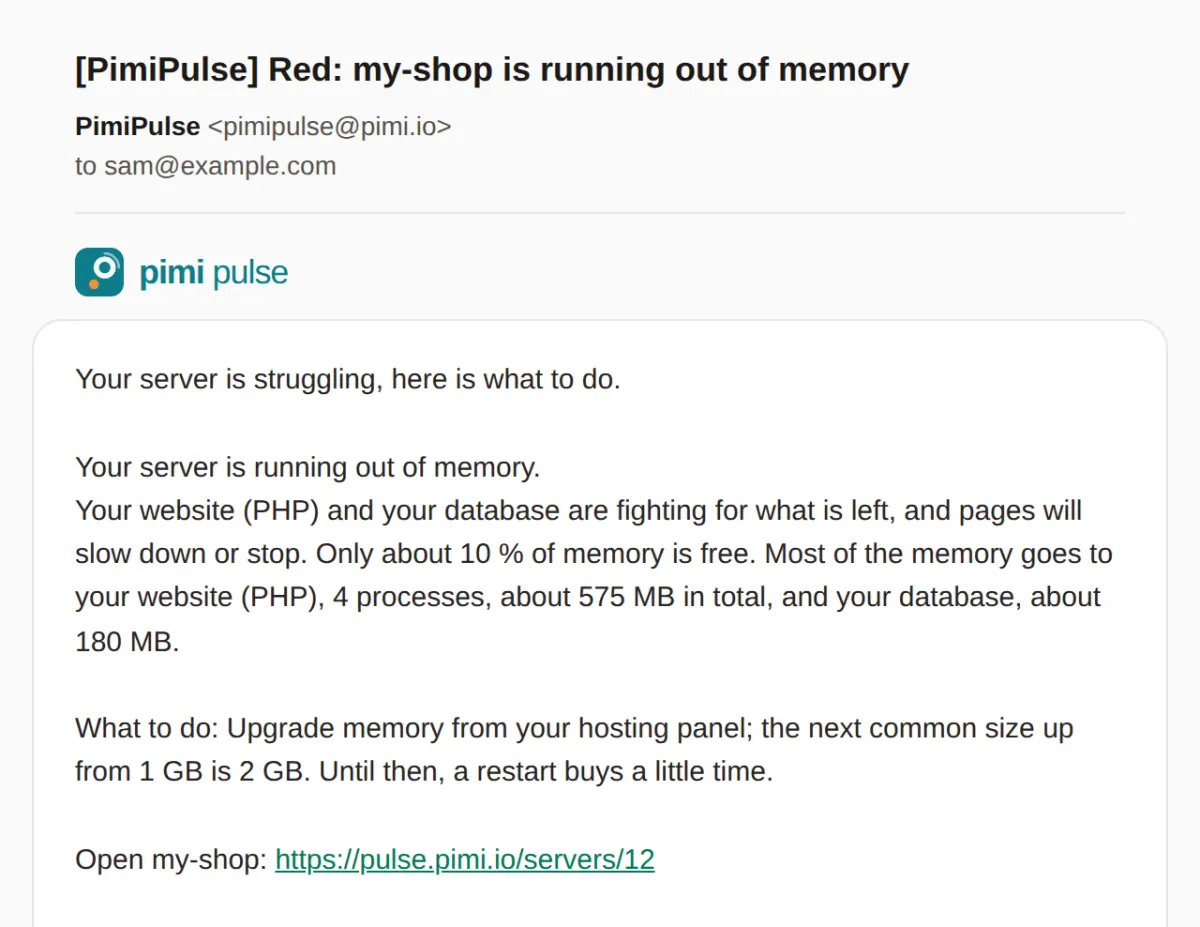
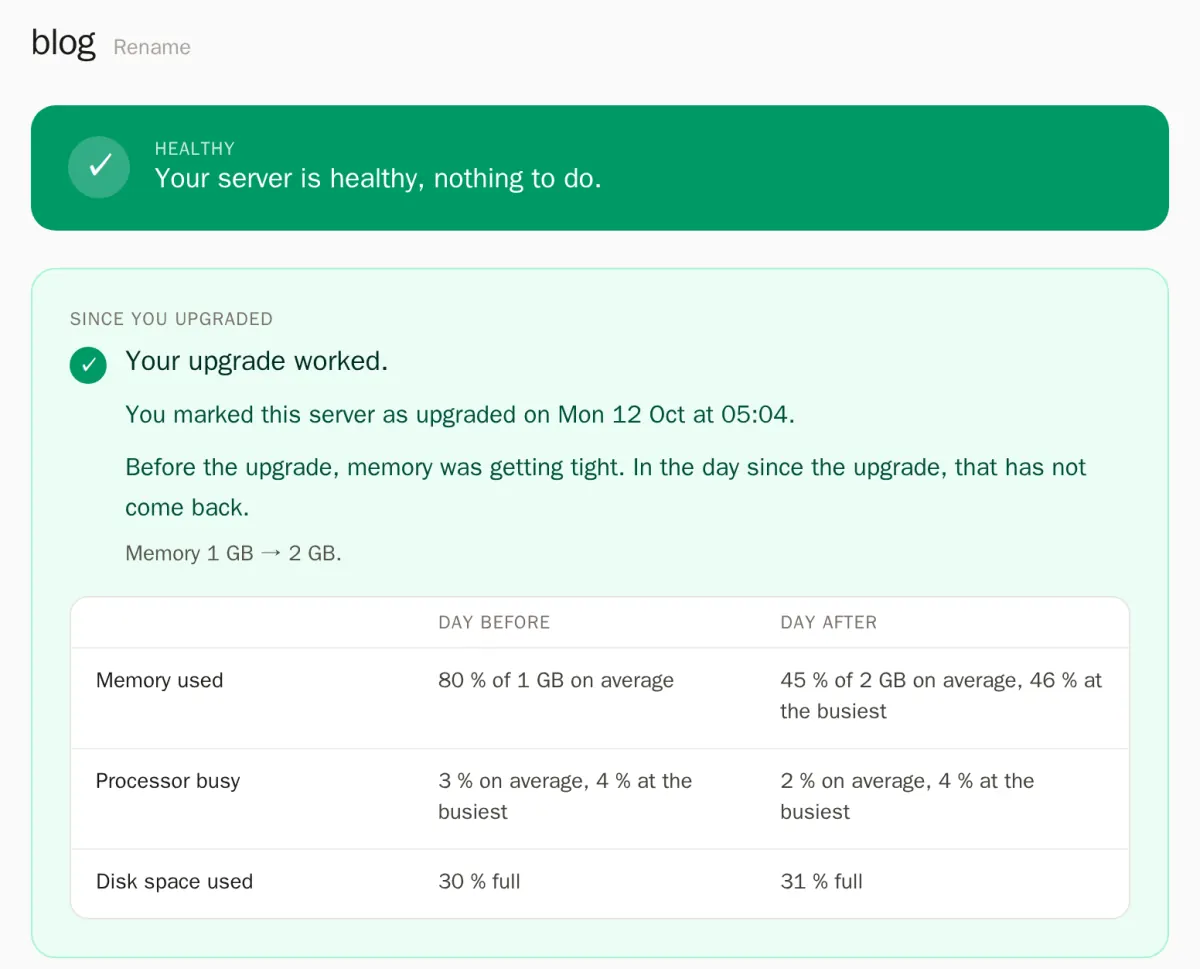
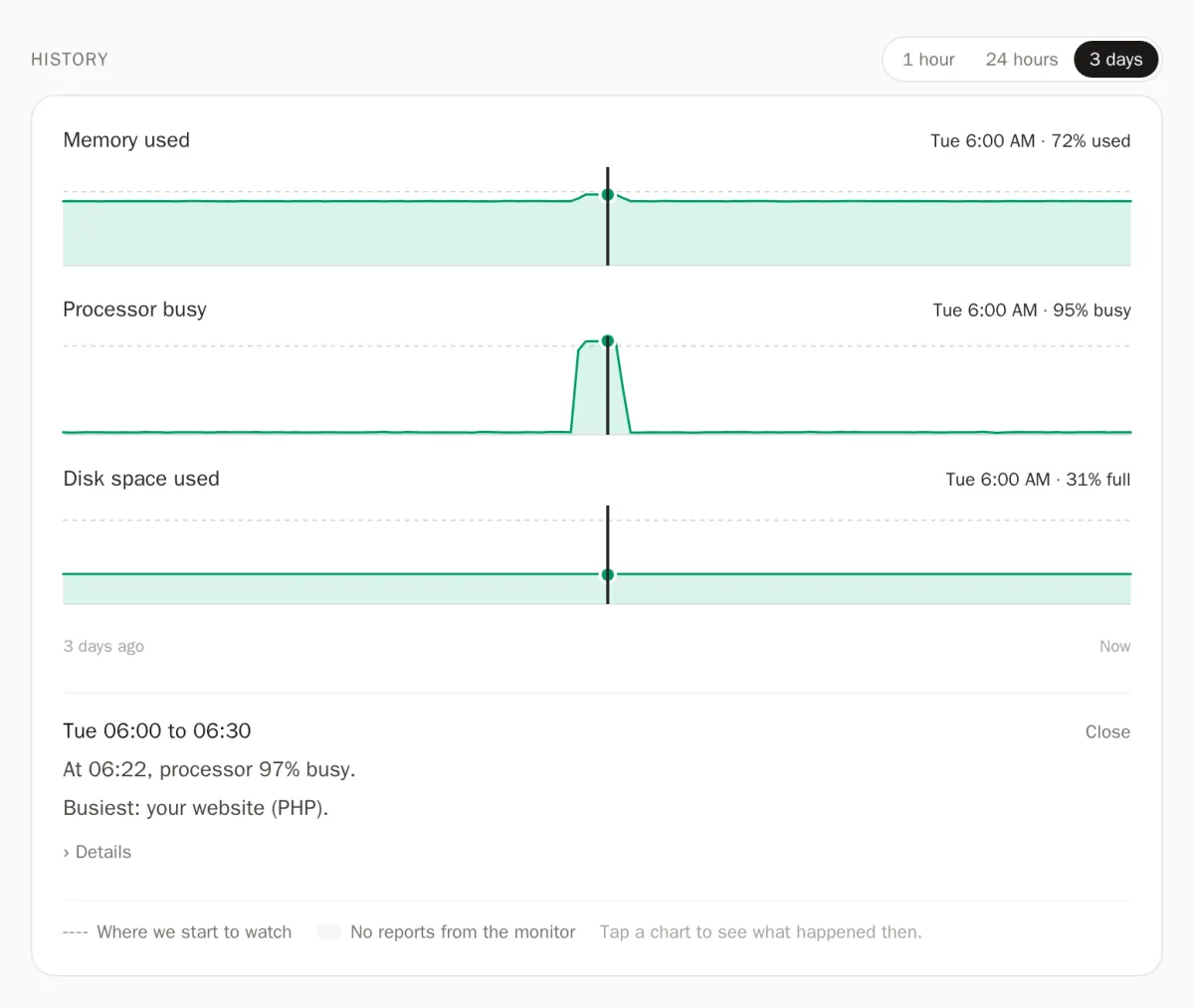
List of images. Pagination is handled with an ajax call.
PreviewTemplateCSS

<div class="row">
  [posts]
  <div class="col-sm-3">[attachment_thumbnail width="200"]</div>
  [/posts]
</div>
[nav ajax=1]
<div class="w4pl-overlay"></div>
#w4pl-list-[listid] ul{ padding-left: 0;overflow:hidden; margin-bottom:0px; vertical-align:middle;}
#w4pl-list-[listid] li{ list-style: none outside; display: inline-block; width:23%; padding: 1%;}
#w4pl-list-[listid] img{ border: 1px solid #CCC; padding: 5px; background-color: #EEE; height:auto; width:100%;}
#w4pl-inner-[listid]{ position: relative; padding: 0 40px; margin-bottom:20px}
#w4pl-inner-[listid] .prev.page-numbers{position: absolute; top: 50%; left:0;}
#w4pl-inner-[listid] .next.page-numbers{position: absolute; top: 50%; right:0;}
#w4pl-inner-[listid] .w4pl-overlay{ position: absolute; width: 100%; height: 100%; top: 0px; left: 0px; background: rgba(255,255,255,0.4) url(/wp-admin/images/loading.gif) no-repeat center; display:none; }
#w4pl-list-[listid].w4pl-loading .w4pl-overlay{display:block;}Example 3: Year/Month Archive
List of posts grouped by Month/Year.
PreviewTemplateCSS
2011, January
2011, March
2011, February
2011, April
2014, January
2011, June
2011, August
2011, July
2011, October
2011, September
2013, November
2013, December
2014, February
2014, May
2022, August
2026, July
2026, August
2026, September
2026, October
<ul class="list-unstyled">
[groups]
<li><h4>[group_title]</h4>
<ol>
[posts]
<li>
[title]
</li>
[/posts]
</ol>
</li>
[/groups]
</ul>
#w4pl-list-[listid] h4{ background-color: #DDD; padding: 5px 10px; font-size:14px; border-left:30px solid #AAAAAA; margin:0; }
#w4pl-list-[listid] ol{ background-color: #EEE; padding-top: 10px; padding-bottom: 10px; padding-right:20px; }
#w4pl-list-[listid] ol li{ border-bottom:1px dashed #DDD; }
#w4pl-list-[listid] li a{ text-decoration: none; }Example 4: Categories
Example 5: List of Tags
- WordPress Functions
- WordPress Custom Functions
- WordPress Customization
- WordPress Registration
- WordPress Shortcode
- WooCommerce
- WordPress Author
- w4 post list
- WordPress Code Snippet
- WordPress Pagination
- Widget
- Developing WordPress Plugin
- WordPress Cron
- WordPress Menu
- WordPress Post
- WordPress Terms
- Preg match
- Freelancer
- Outsourcing
Leave a Reply